- Block 18 coinslot Accept P20 cointhis feature is available located in block 18 vendoMore
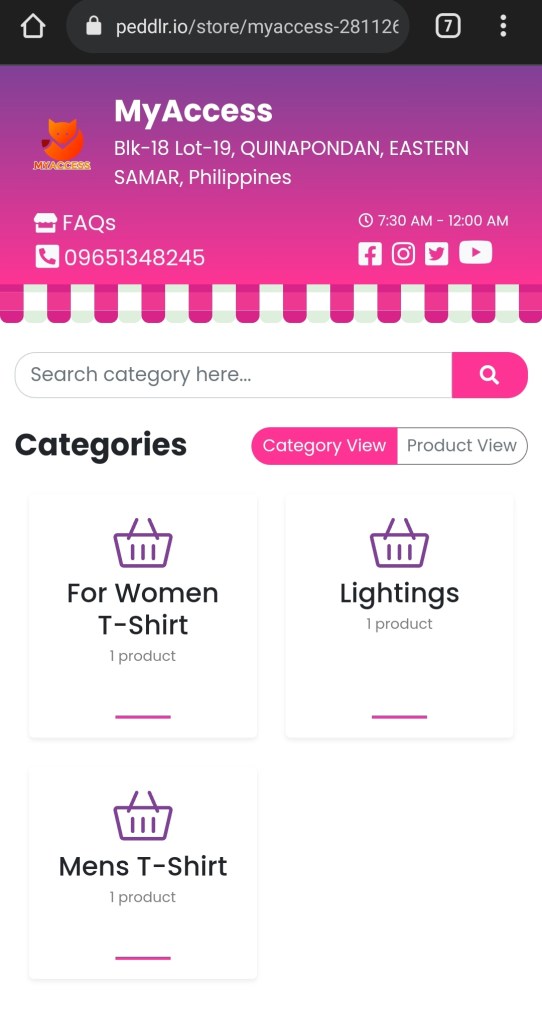
- PREPAID SIM CARD AVAILABLEGLOBE / TOUCH MOBILE / TALK N TEXT how to order simcard just goto our online shopping store. click this lin to redirect our store MY ACCESS https://v2.peddlr.io/store/myaccess-281126 add to…More
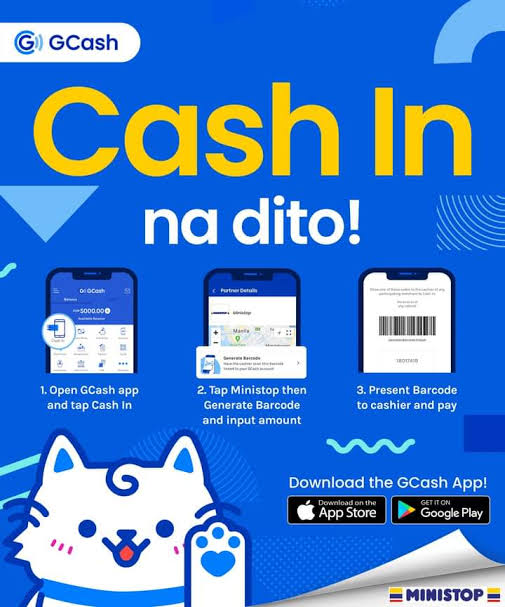
- How to buy E-load in PisoWIFI using Vendo Machine.1 => goto the portal; [ how to open portal just open chrome or any browser and type 10.0.0.1 if you are located in block-32 just type in the address…More
- How to avail other Promo* Buy Promo Voucher: 5D100 available voucher is located in Main PisoWIFI Block-18 Lot-19 5d100 is 5days continues time and 2 weeks validation expiration upon activation of the promo. *…More
- How to Pause CURRENT remaining TimeOpen your chrome Type the address [ 10.0.0.1 ] depends on your area if you are located at PisoWIFI B32 the address is [ 20.0.0.1 ] then find the pause…More
- E-LOADING FEATURES ON PISOWIFI
- My Access Assorted Products & AccessoriesGood day everyone please check our online store we had variants of products might you like. just click the link below https://peddlr.io/store/myaccess-281126#More
You can check MyAccess Online Store
You want to sign-up or create
https://peddlr.io/?ref=myaccess-281126
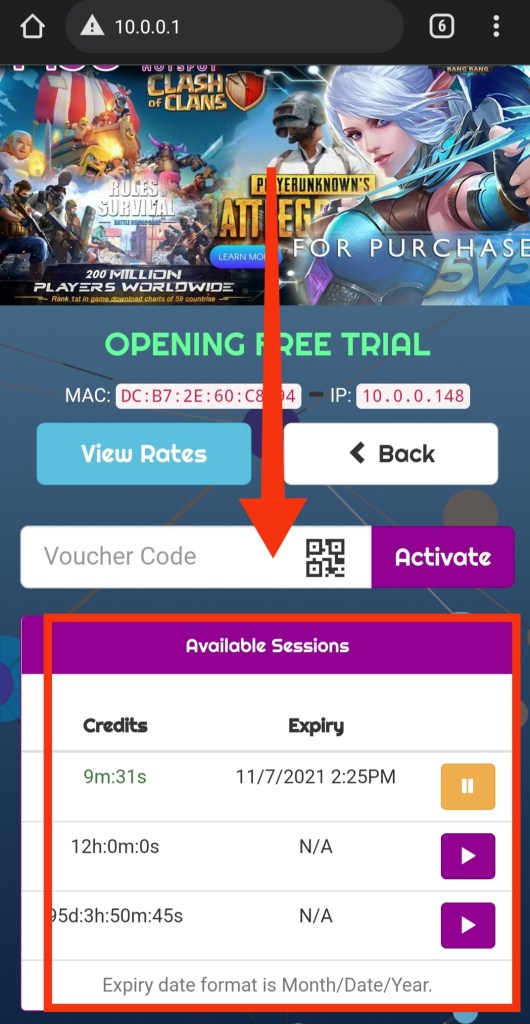
To check your current sessions left goto 10.0.0.1 and scroll down
How to use PisoWIFI Vending Machine
Simple way to connect piso wifi is to follow some few steps below
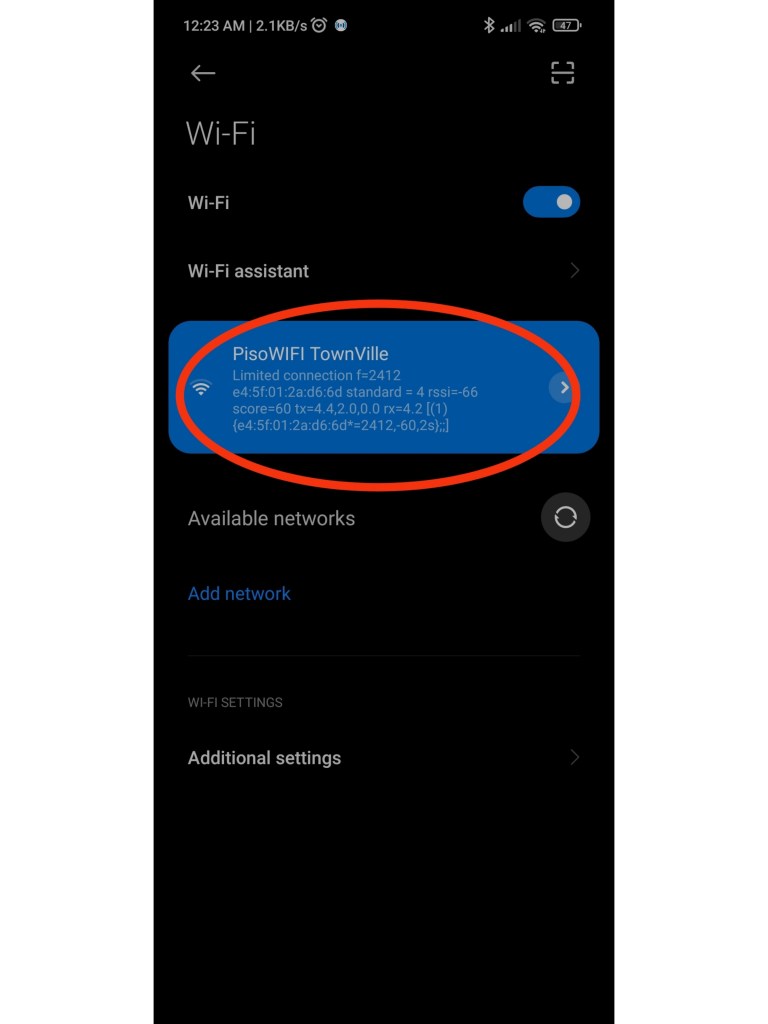
Step #1. Open your Wifi make sure you in the Wifi Zone and search for PisoWIFI Hotspot, no worries you can access without passwords just connect your device, wait for few seconds swipe down and press the (sign-in to connect) and you will be redirect to the Portal Home page now jump to step#3 if you don’t see this on notification section proceed to Step #2
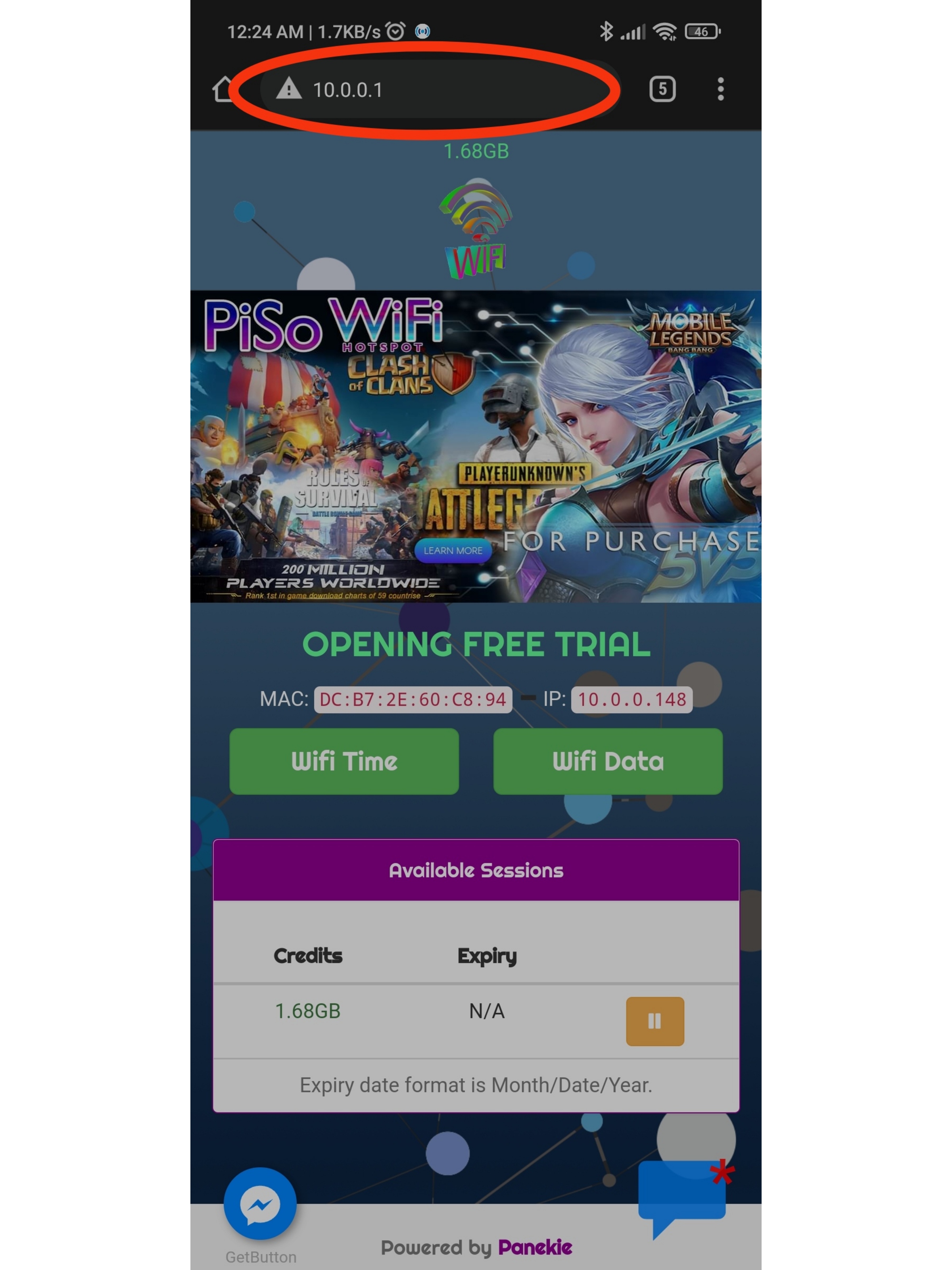
Step#2. Type 10.0.0.1 or just press the link.
Step#3. There are several options to choose to just click the button you like to choose, option 1 is Buy Wifi option 2 is Eload & G-Cash option 3 More to see the rate and other option.
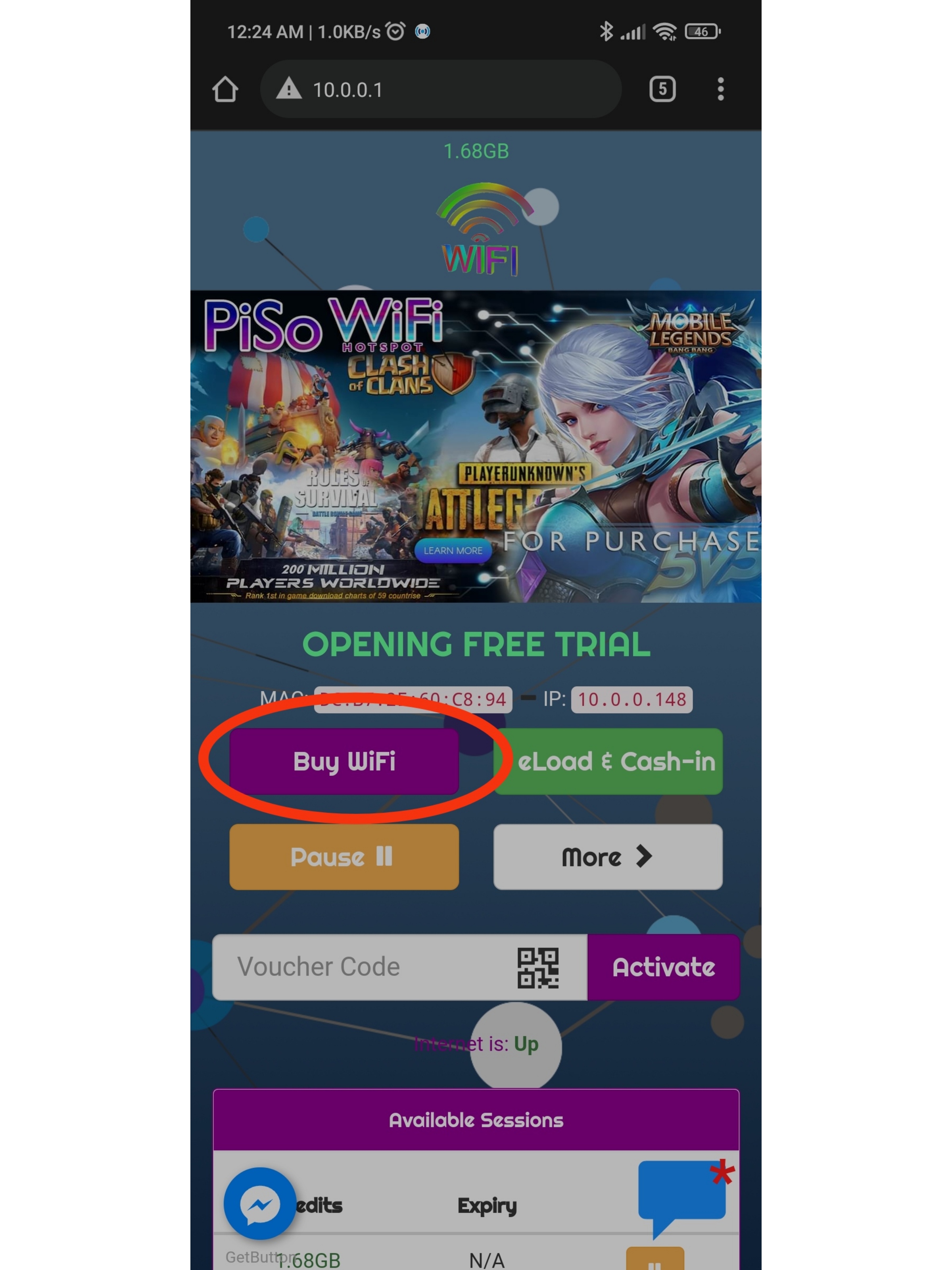
Step#4. Choose your desire Time – this depends how much you insert coin, goto more the see the rates so you have idea how much time you have left. Data – data means the data any site you like do some research and downloading, choosing data has higher speed, whereas time has slower speed but it doesn’t mean you can’t play online games like mobile legends, you’re still able to play games its because only the internet speed has been limit not the ms.
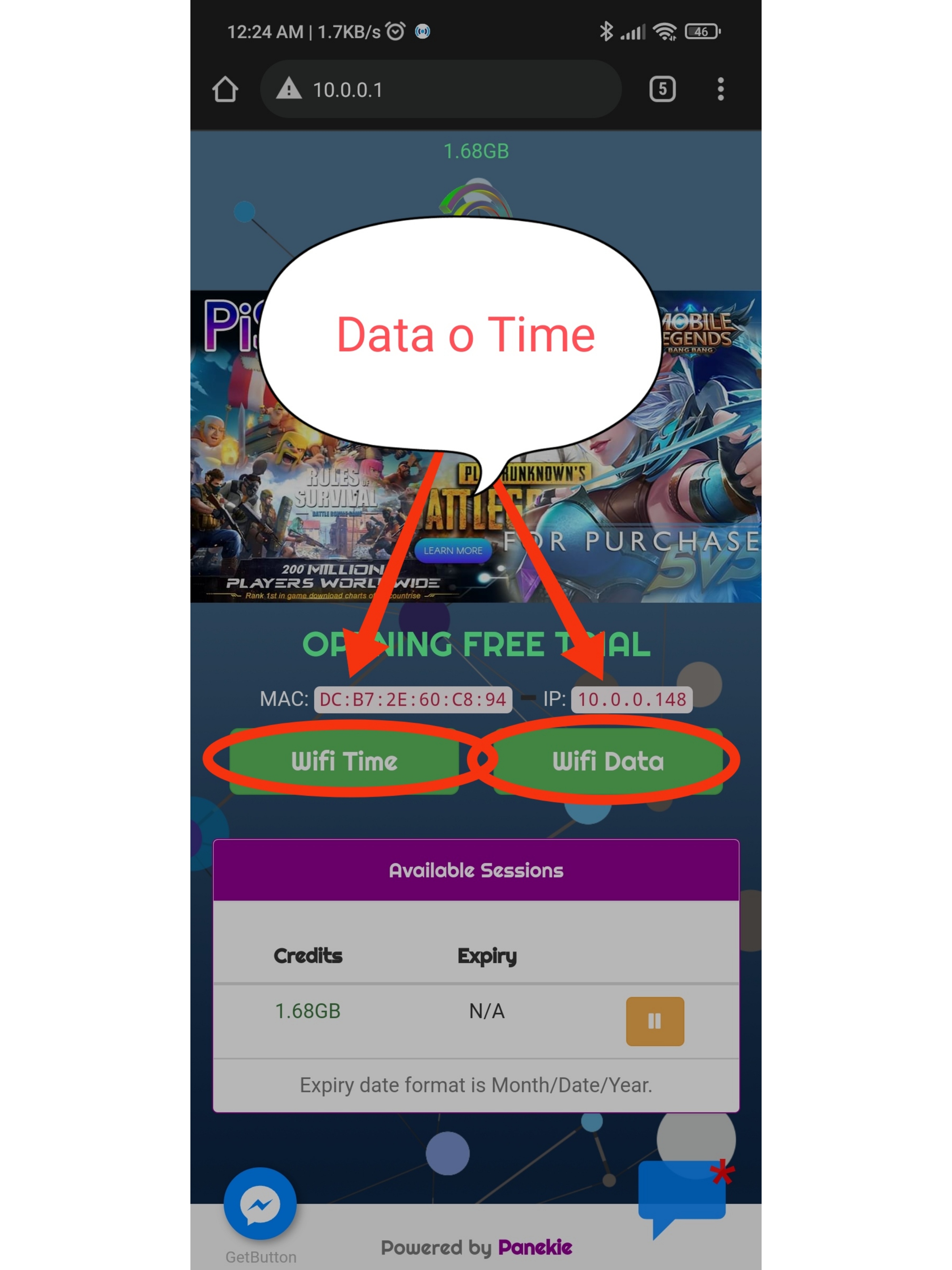
Step#5. after pressing data or time your phone will beeps and it will wait in one minute to insert coin state this time you can now insert your coin, these process is still same on how you pay your E-load Payment make sure you have exact amount because this machine don’t have change feature.
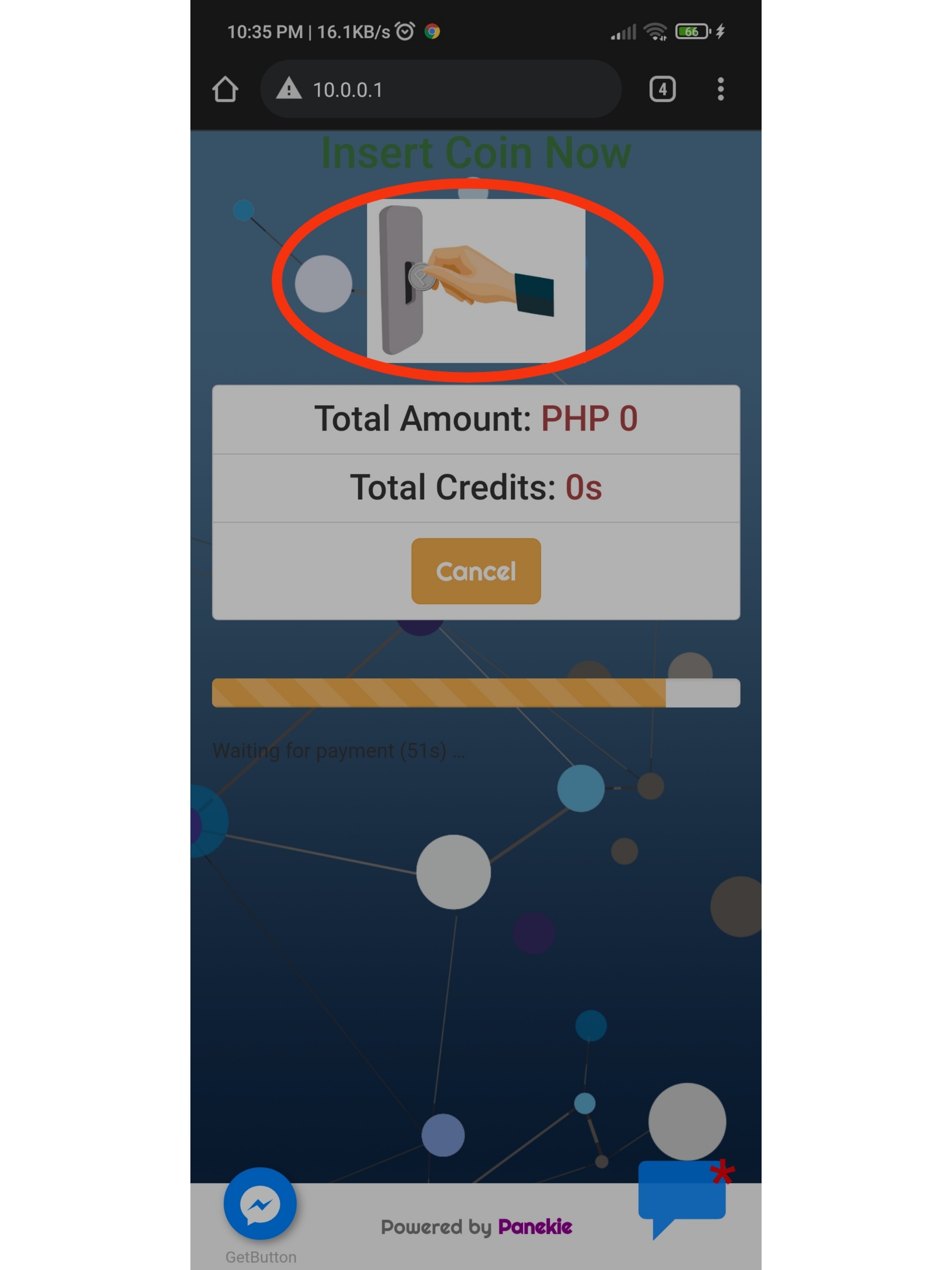
Once your Done Paying Just Press done paying.



My Latest Posts
• •
How buy E-load Using vendo machine
Just Return to the steps and Choose the Buy Button
afterwards simply Input your Mobile number or if you like to buy signal load apply your account # and automatically the related promo will appear in the upper section then pick your subscription or promo carefully and review your number before you proceed.
some of method on how to pay is the Voucher Code and pay using Coins, the advantage of paying using voucher is you don’t have to insert coins in huge value of payment like 300 eload, just buy voucher code worth 300 then plus the extra additional tap-up P10 depends on how much is the load you want to purchase, the 10 pesos just insert in the coinslot to complete the transaction then your successfully completed the voucher method with coinslot.
- Voucher type method – is by buying a voucher in our partner store.
- Eload type voucher
- available e-load type amount
- P10
- P50
- P100
- P200
- P500
- available e-load type amount
- PisoWifi voucher
- P1 —————-15mins
- P5 —————-1:30mins
- P10 —————-4hours
- P25 —————-12hours
- P35 —————- 1day
- P50 —————- 5days
- P100—————- 2weeks
FAQs
- Where is the location of pisowifi hotspot?
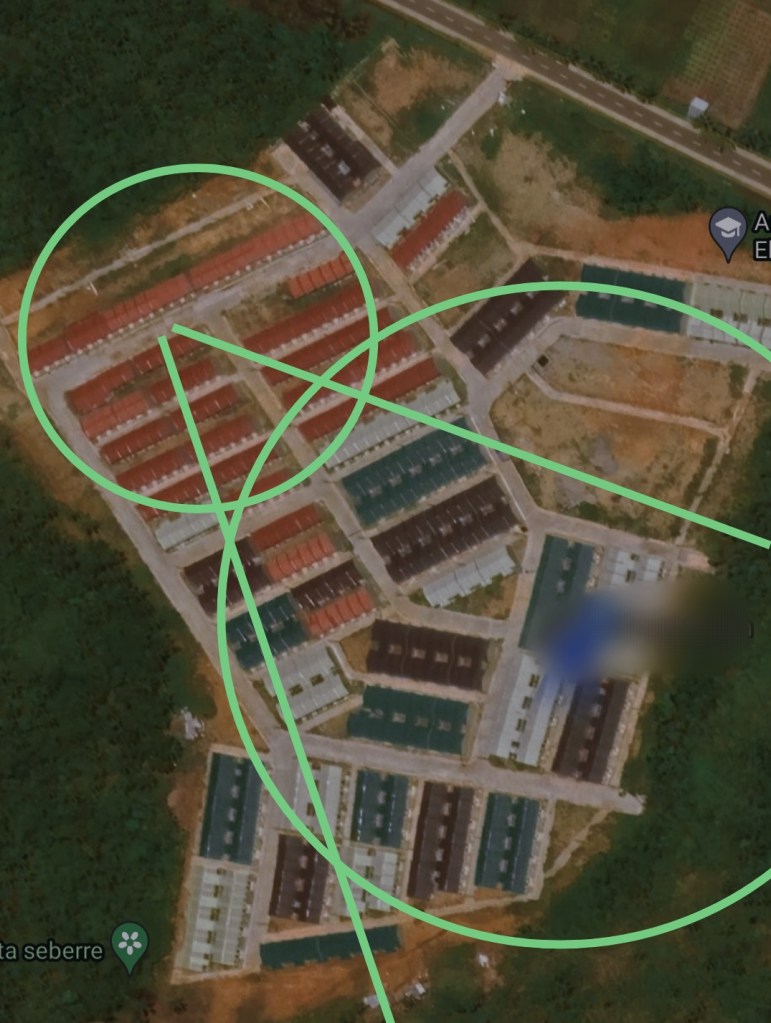
- we are located in Block 18 and block 20
- Where is Wifi Zone Area?
- somewhere in block 18, block 17, block 14,15, at the moment
- in order to the a good internet connection make sure have at least 3-4 bars of signal wifi
- go somewhere near in block 18 at least.
- Can I get Free Wifi connection?
- yes we have free trial for all new users that has mobile devices or any device supports wireless connection, eg, Desktop computer, laptops, and Tablets devices.
- Where is the good connection of pisowifi?
- we have 2 sites in TOWNVILLE see the image below
- inside of the circle and the inside of green area.
- avoid tall buildings and high concrete
• • •
 MyAccess